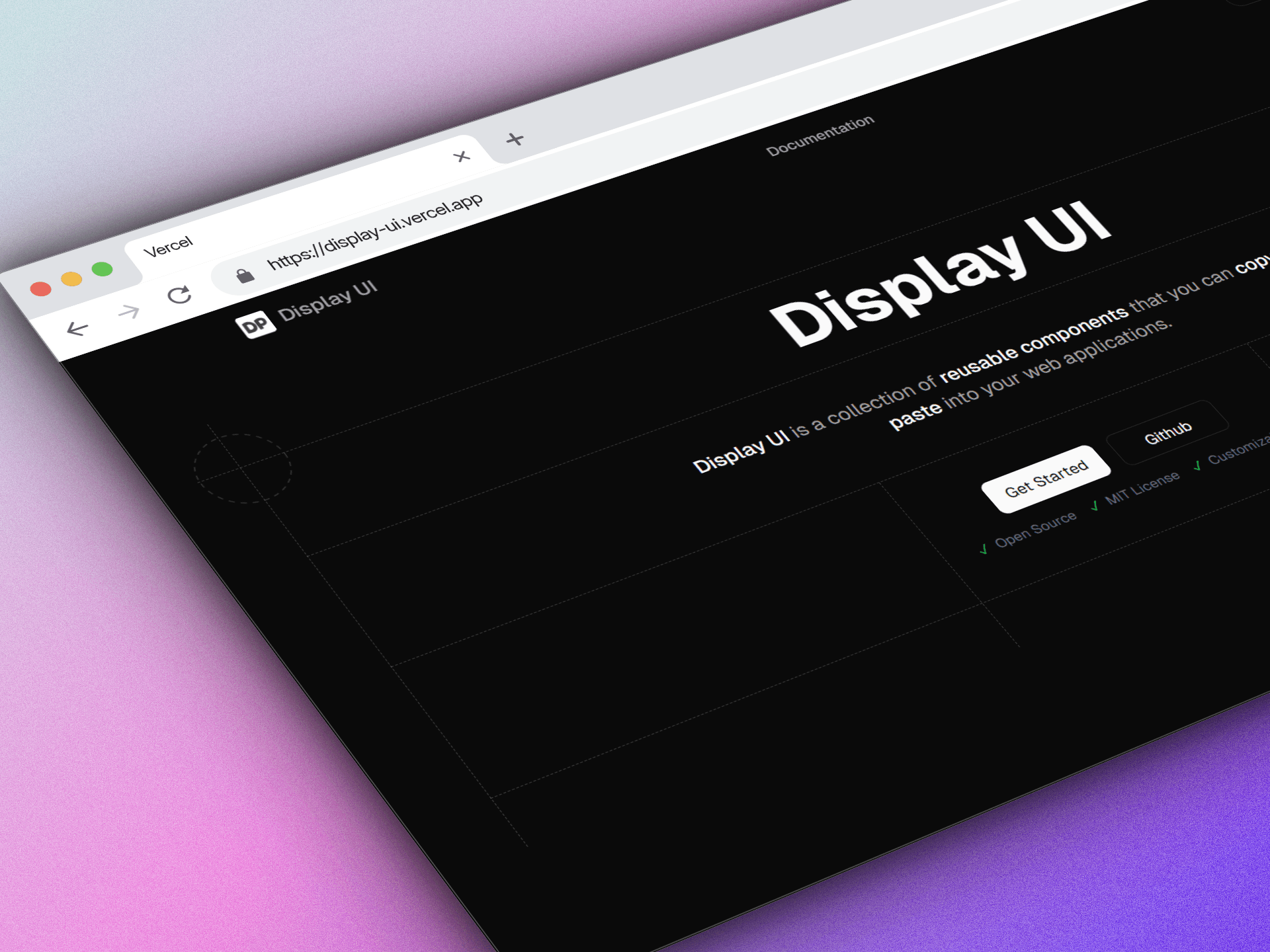
Display UI
A modern component library with 24+ reusable UI components, built with Radix UI + Tailwind and documented using Fumadocs. Includes shadcn registry support for fast installation.
Timeline
1 month
Role
Frontend Developer
Team
Solo
Status
CompletedTechnology Stack
Key Challenges
- Maintaining consistency across 24+ components (design + API)
- Building flexible variants using CVA (class-variance-authority)
- Dark mode + theme handling using next-themes
- Making components accessible (keyboard navigation + ARIA)
- Creating clean documentation structure using Fumadocs
- Shadcn registry integration for installable components
Key Learnings
- Component design systems and reusable API patterns
- Radix UI primitives for accessibility-first components
- Variants & styling architecture using CVA + tailwind-merge
- Documentation-driven development using Fumadocs MDX
- Building a shadcn registry for component installation
- Maintaining high consistency and scalability across large UI libraries
Display UI: Component Library (24+ Components)
Overview
Display UI is a modern component library that provides 24+ production-ready UI components designed for clean interfaces and fast development.
It combines:
- Radix UI (accessibility-first primitives),
- Tailwind CSS (scalable styling),
- and a modern documentation site using Fumadocs.
It also supports Shadcn Registry installation, making it easy to add components into real projects.
What This Library Provides
- 24+ reusable components designed with consistent styling & API
- Dark Mode support using
next-themes - Variants system for components using
class-variance-authority (CVA) - Responsive layouts (mobile-first Tailwind patterns)
- Accessible components (keyboard navigation + ARIA via Radix UI)
- Docs site + examples built with Fumadocs MDX
- shadcn registry support for installation workflows
Why I Built This
Most developers waste time rebuilding the same UI elements over and over.
I built Display UI to:
- create a reusable design system
- speed up development in future projects
- practice building real-world scalable UI patterns
- improve documentation quality (not just components)
This project also helped me learn how proper component libraries are structured and maintained — not just UI copy-paste.
Tech Stack
- Next.js 15
- React 19
- TypeScript
- Tailwind CSS
- Radix UI
- class-variance-authority (CVA) + tailwind-merge
- Motion
- Sonner (toasts)
- next-themes (theme/dark-mode)
- Fumadocs (docs + MDX)
- Shadcn registry (installable components)
- Vercel
Installation / Registry
Display UI supports Shadcn Registry, which means components can be installed directly into projects in a shadcn-style workflow.
This makes the library developer-friendly because:
- components can be added per-need
- files are copied into the project
- customization becomes easy (instead of being locked in a package)
Component Categories (24+)
(Examples / categories, based on library structure)
Components (24+)
- Accordion
- Alert Dialog
- Avatar
- Badge
- Breadcrumb
- Button
- Button Ring
- Calendar
- Card
- Carousel
- Checkbox
- Drawer
- Dropdown
- Infinite Carousel
- Input
- Input OTP
- Label
- Mac Navigation Menu
- Navigation Menu
- Radio Groups
- Separator
- Table
- Toaster
- Tooltip
Documentation
Display UI includes a full documentation site with:
- component usage examples
- props + variants documentation
- copy-paste snippets
- consistent component showcase pages
Docs are built using:
- Fumadocs Core + UI
- MDX integration
Challenges
- Creating consistent component APIs across many components
- Getting variants right without messy Tailwind duplication
- Dark mode consistency across components and docs
- Accessibility concerns (keyboard navigation, focus states, ARIA)
- Building a scalable docs structure instead of unorganized pages
- Implementing shadcn registry support properly
Learnings
- The hardest part is not making components — it’s maintaining consistency
- CVA + tailwind-merge are essential for scalable variant-based design systems
- Radix UI makes accessibility easier, but you still need to understand focus/UX
- A component library without documentation is basically useless
- Registry-based installation is a strong modern approach for customization
Future Plans
- Add more complex components:
- Table + Pagination
- Calendar / Date Picker
- Command Menu / Combobox
- Sidebar / Navbar layouts
- Improve registry metadata and installation experience
- Add automated testing for UI behavior and accessibility